
TechScrum DevOps 项目实训营
导师 7 周精心辅导,获得可写入简历的项目经验
- 来自 Amazon 的工程师,手把手带着做项目
TechScrum DevOps 项目实训营 Highlights
行业精英导师指导
商业项目,真实开发环境
导师每周进行项目辅导
7 周获得项目经验
Real Commercial Team Projects to Showcase to Employers
该项目旨在使用 TypeScript 创建类似 JIRA 的项目管理工具。该工具将为团队提供高效的任务、问题和项目跟踪与管理功能。 项目官网:https://www.techscrumapp.com/
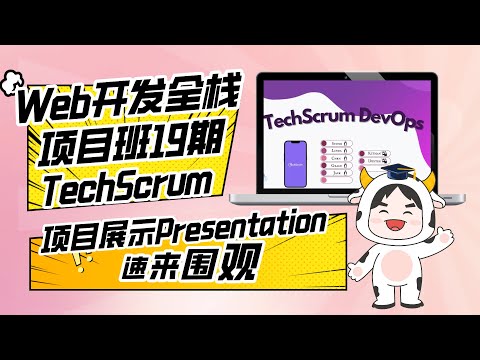
Web开发全栈项目班19期P3团队项目Final展示:TechScrum


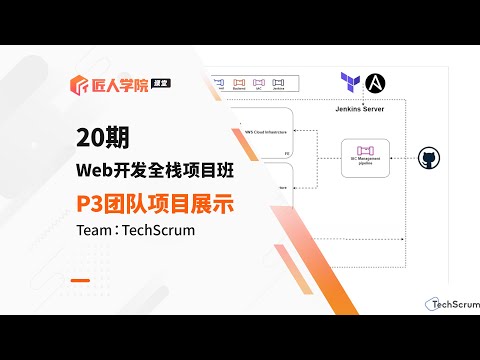
Web开发全栈项目班20期P3 Agile团队项目——TechScrum Final Demo展示
TechScrum DevOps 项目实训营 Curriculum
为什么选择 TechScrum DevOps 项目实训营
行业洞察This project uses the DevOps workflow for the TechScrum web application. Participation in the project reinforces students' knowledge, engages them in hands-on DevOps projects, and provides a deep unde ...
Mentor Team
Pricing Options
Technology Stack
DevOps工作技能

Python

Git

Deploy

CI/CD

Linux

Agile

Web Development

NPM

Bash

CRUD

Pipeline
DevOps流程

Coding Basics
Linux

Containerization

Orchestration
CI/CD

Infrastructure Automation

Configuration Management

Logging

Monitoring

Auto Scaling

Incident Management
DevOps职业技能

简历修改

模拟面试

面试指导
DevOps项目能力

Docker

Jenkins

Ansible

Jira

Splunk

AWS

Grafana
New Relic

Terraform

OpsGenie

Pageduty

CDN

Reverse Proxy

AWS EC2

AWS ECS

AWS Beanstalk

Status Page

Bitbucket
kubernetes

Travis CI

Gatling

Locust

Selenium WebDriver

Elastic Search

Logstash

Kibana

Python DevOps Tools

NodeJS
谁应该参加我们的TechScrum DevOps 项目实训营?
项目介绍
TechScrum DevOps 项目实训营是一个为期 7 周的项目实训营,专为想要提升技术能力的初级 DevOps 工程师设计,通过实践 TechScrum Web 的 DevOps 工作流程,提升他们的技术能力。这个实训营通过行业导师手把手辅导项目,来提高学员对集成、云基础设施管理和 DevOps 性能优化的理解和实践熟练度,并收获一个项目经验。
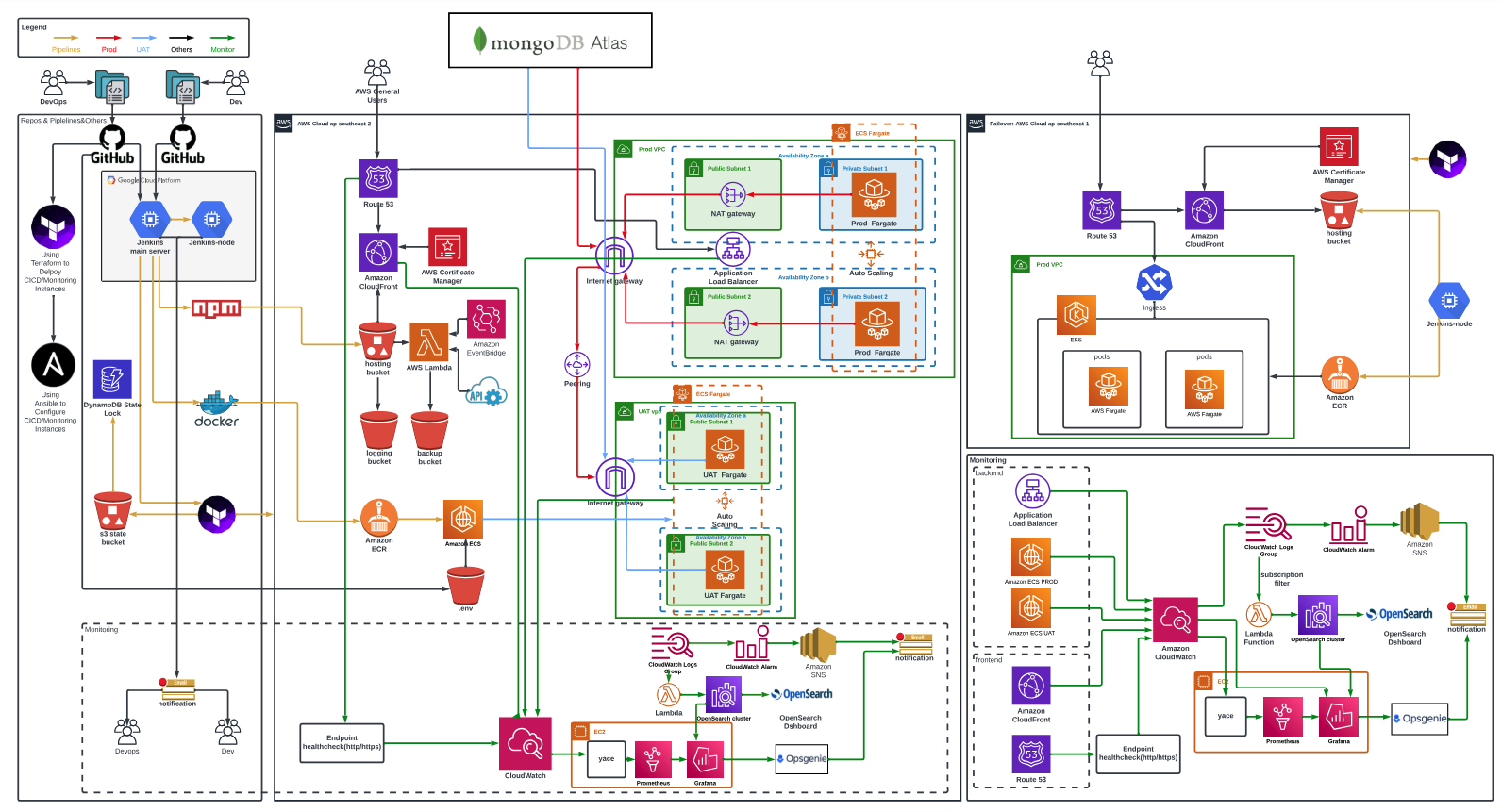
项目架构图
导师介绍
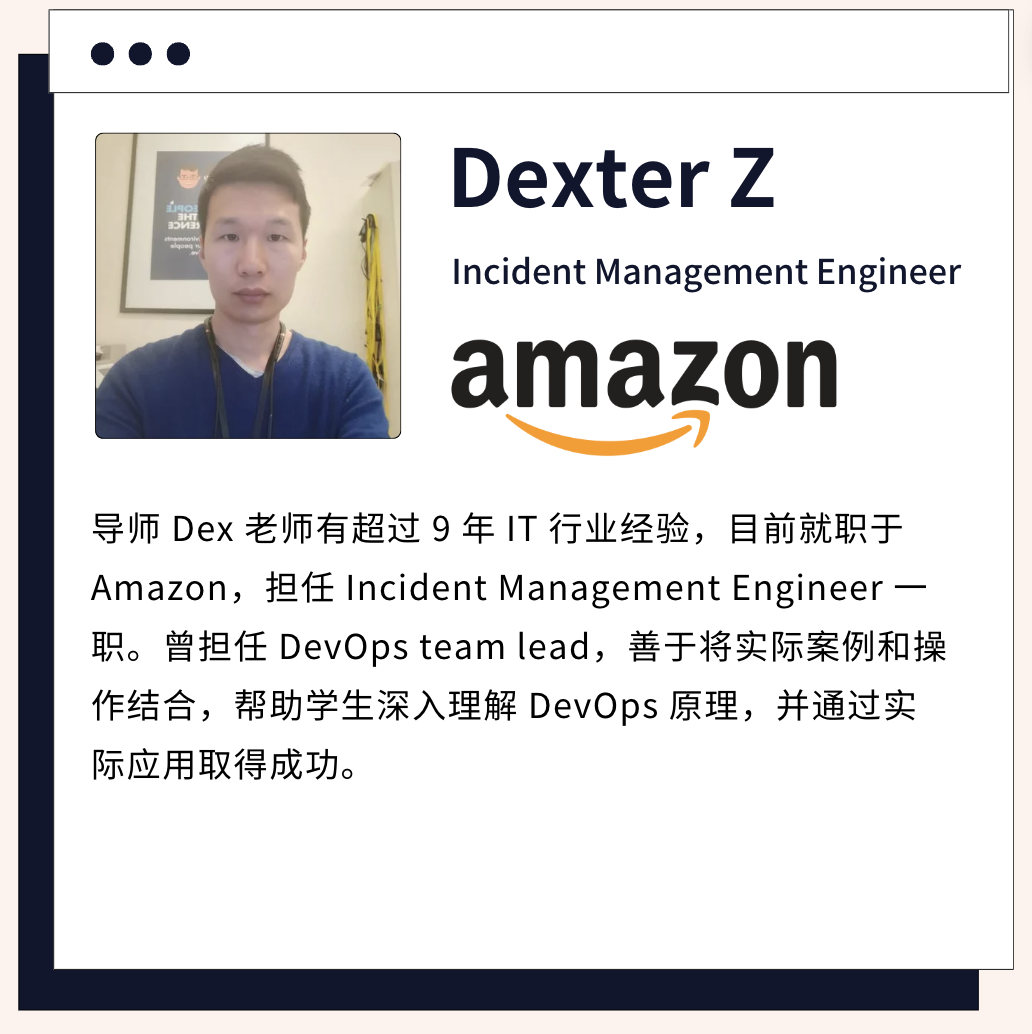
导师 Dex 老师有超过 9 年 IT 行业经验,目前就职于 Amazon,担任 Incident Management Engineer 一职。曾担任 DevOps Team Lead,善于将实际案例和操作结合,帮助学生深入理解 DevOps 原理,并通过实际应用取得成功。
项目特点
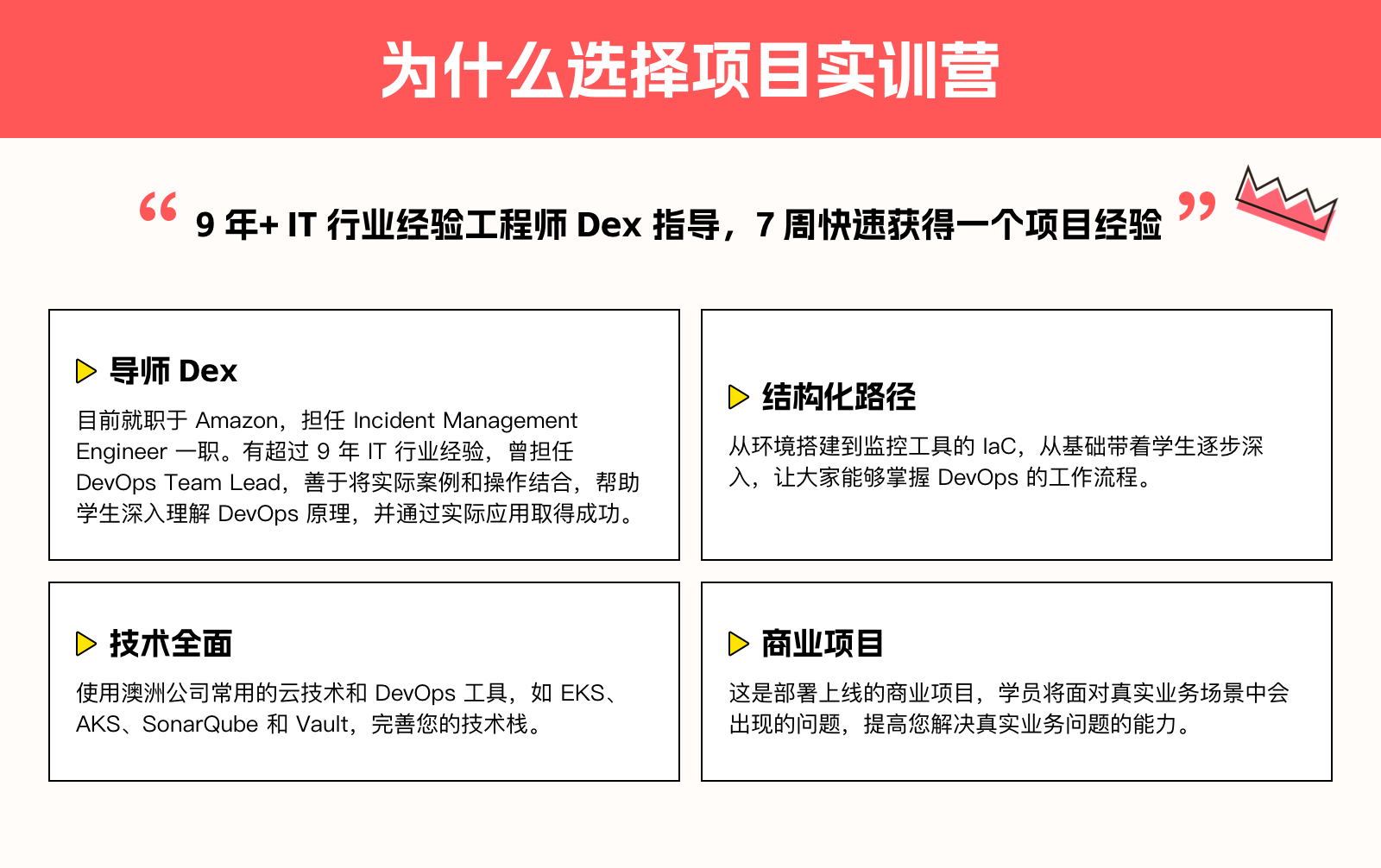
- 结构化路径:从环境搭建到监控工具的 IaC,逐步深入。
- 商业项目:学员将面对真实业务场景中会出现的问题。
- 技术全面:使用澳洲公司常用的云技术和 DevOps 工具,如 EKS、AKS、SonarQube 和 Vault。
项目内容
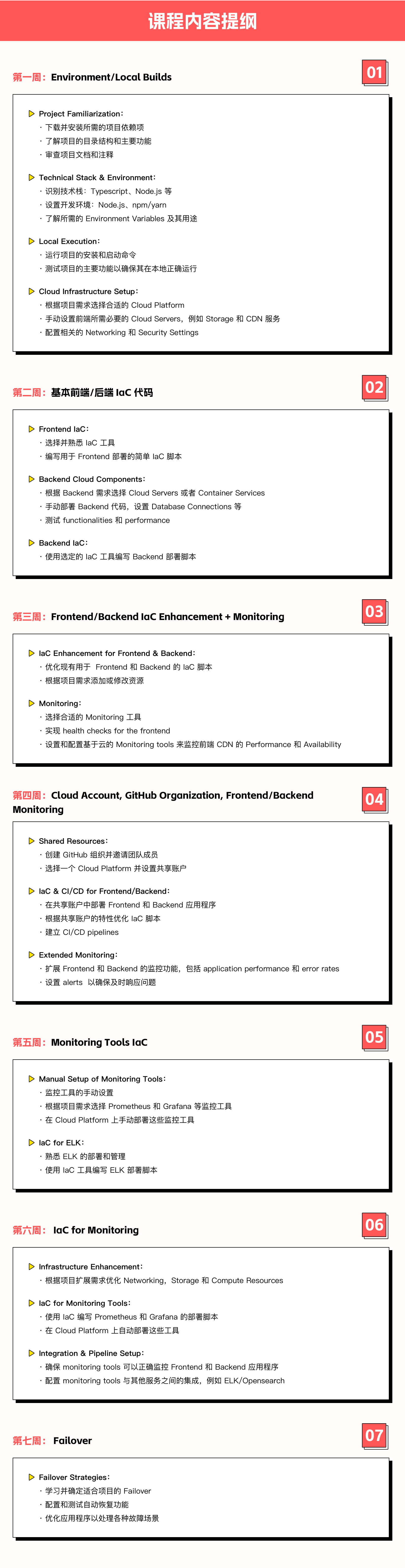
Week 1: Environment/Local Builds
Project Familiarization
- Download and install the required project dependencies.
- Understand the project's directory structure and primary functionalities.
- Review project documentation and comments.
Technical Stack & Environment
- Identify the tech stack: Typescript, Node.js, etc.
- Set up the development environment: Node.js, npm/yarn.
- Identify required environment variables and their purposes.
Local Execution
- Run the project's installation and start commands.
- Test the main functionalities of the project to ensure it operates correctly locally.
Cloud Infrastructure Setup
- Select the appropriate cloud platform based on project needs.
- Manually set up the necessary cloud services for frontend, such as storage and CDN services.
- Configure related networking and security settings.
Week 2: Basic Frontend/Backend IaC Code
Frontend IaC
- Choose and familiarize with an IaC tool.
- Write simple IaC scripts for frontend deployment.
Backend Cloud Components
- Choose cloud servers or container services based on backend requirements.
- Manually deploy backend code, set up database connections, etc.
- Test backend functionalities and performance.
Backend IaC
- Use the chosen IaC tool to script backend deployment.
Week 3: Frontend/Backend IaC Enhancement + Monitoring
IaC Enhancement for Frontend & Backend
- Optimize existing IaC scripts for frontend and backend.
- Add or modify resources based on project requirements.
Monitoring
- Select appropriate monitoring tools.
- Implement health checks for the frontend.
- Set up and configure cloud-based monitoring tools to monitor frontend CDN's performance and availability.
Week 4: Cloud Account, GitHub Organization, Frontend/Backend Monitoring
Shared Resources
- Create a GitHub organization and invite team members.
- Choose a cloud platform and set up a shared account.
IaC & CI/CD for Frontend/Backend
- Deploy frontend and backend applications in the shared account.
- Optimize IaC scripts based on the characteristics of the shared account.
- Establish Continuous Integration/Continuous Deployment pipelines.
Extended Monitoring
- Expand monitoring capabilities for frontend and backend, including application performance and error rates.
- Set up alerts to ensure prompt issue responses.
Week 5: Monitoring Tools IaC
Manual Setup of Monitoring Tools
- Choose monitoring tools like Prometheus, and Grafana based on project needs.
- Manually deploy these monitoring tools on the cloud platform.
IaC for ELK
- Familiarize with ELK's deployment and management.
- Use an IaC tool to script ELK deployment.
Week 6: IaC for Monitoring
Infrastructure Enhancement
- Optimize networking, storage, and compute resources based on the expansion needs of the project.
IaC for Monitoring Tools
- Script the deployment of Prometheus, and Grafana using IaC.
- Automate the deployment of these tools on the cloud platform.
Integration & Pipeline Setup
- Ensure monitoring tools can correctly monitor frontend and backend applications.
- Configure integrations between monitoring tools and other services, such as alerts and log management(ELK/Opensearch).
Week 7: Failover
Failover Strategies
- Learn and determine the appropriate failover strategies for the project.
- Configure and test auto-recovery functionalities.
- Optimize the application to handle various failure scenarios.
Challenge:
- API Gateway + Lambda:
- Implement using Terraform, possibly in combination with SAM (Serverless Application Model).
- Prioritize using Lambdas written by developers.
- If the developer hasn't finished the Lambda function, the DevOps team can write a backup Lambda (for example, for handling tfstate files or frontend). This can be invoked using API Gateway, EventBridge, or S3.
- EKS (Elastic Kubernetes Service) + AKS (Azure Kubernetes Service):
- Implement one of the platforms.
- Use Terraform to set up the cluster, worker nodes, and other foundational infrastructure.
- Deploy applications via a pipeline, with the pipeline located in the code repository.
- Code Testing:
- Set up a SonarQube server and integrate it into the Jenkins pipeline. Email the test results to developers.
- Incorporate Snyk into the pipeline and email the test reports to developers.
- Scan once a week to compare code improvements.
- Implement unit tests for critical parts of the application and ensure they run as part of the CI/CD pipeline.
- Load Testing:
- Use tools like JMeter or Locust to simulate heavy traffic to your infrastructure.
- Analyze the system's response and identify bottlenecks.
- Optimize the infrastructure based on the findings and retest.
- Security:
- Integrate with some cloud platform security tools, like AWS securityhub….
- Integrate automated security scans in the CI/CD pipeline.
- Ensure all services are running with least privilege access.
- Failover Trigger:
- Design mechanisms to detect system failures, such as health checks or monitoring alarms.
- Implement automated or semi-automated processes to redirect traffic to the failover infrastructure in case of system failure.
- Vault:
- Set up a Vault server.
- Store credentials in Vault and modify or create new pipelines accordingly.
- GitHub Actions/Bitbucket Pipelines:
- Re-implement Jenkins code pipelines using either GitHub Actions or Bitbucket Pipelines, depending on the type of the project's code repository.
你将获得什么
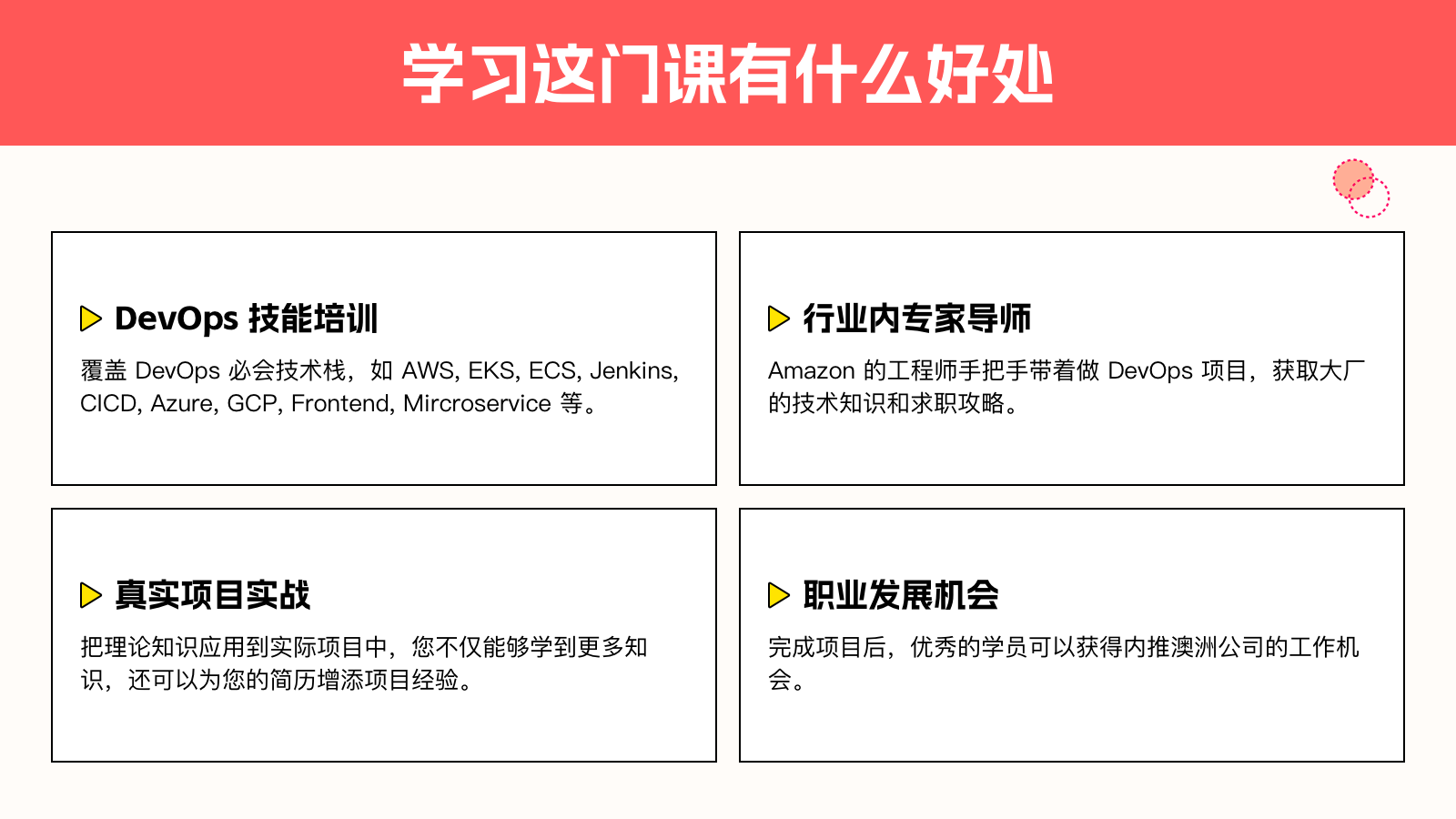
- 完成项目后的实践经验,加深对 DevOps 核心概念和技术的理解。
- 项目完成可写入简历,证明你具备 DevOps 领域的专业知识和实战能力。
- 提升个人技术资历,为未来的职业发展铺平道路。
技术栈
- IaC工具:Terraform, AWS SAM
- 云平台:AWS, Azure
- 监控工具:Prometheus, Grafana, ELK/Opensearch
- 容器服务:EKS, AKS
- CI/CD:Jenkins, GitHub Actions, Bitbucket Pipelines
入营门槛
- 有 DevOps 基础知识
- 了解云平台
学员权益
分享此页面
将 TechScrum DevOps 项目实训营 分享给朋友
How We Deliver Live Classes Online
- Flexible Learning Schedule: Join the classroom anytime, anywhere
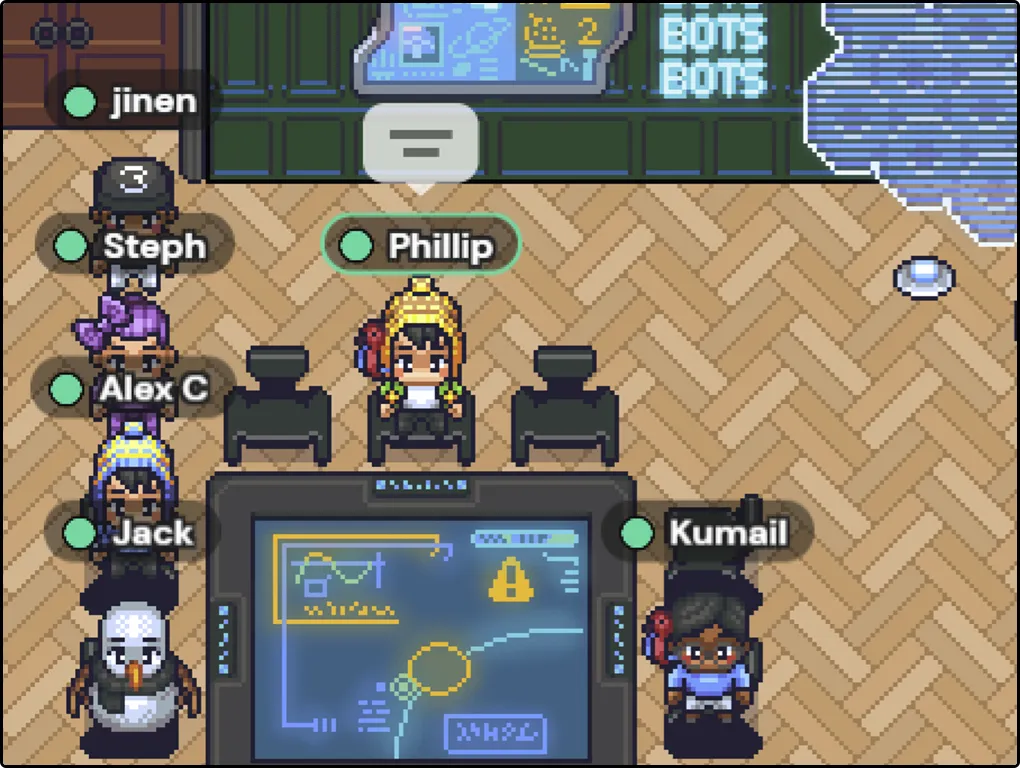
- Immersive Learning Environment: We create a highly interactive and immersive learning environment through virtual spaces. Students can communicate and collaborate in virtual classrooms, labs, and meeting rooms.
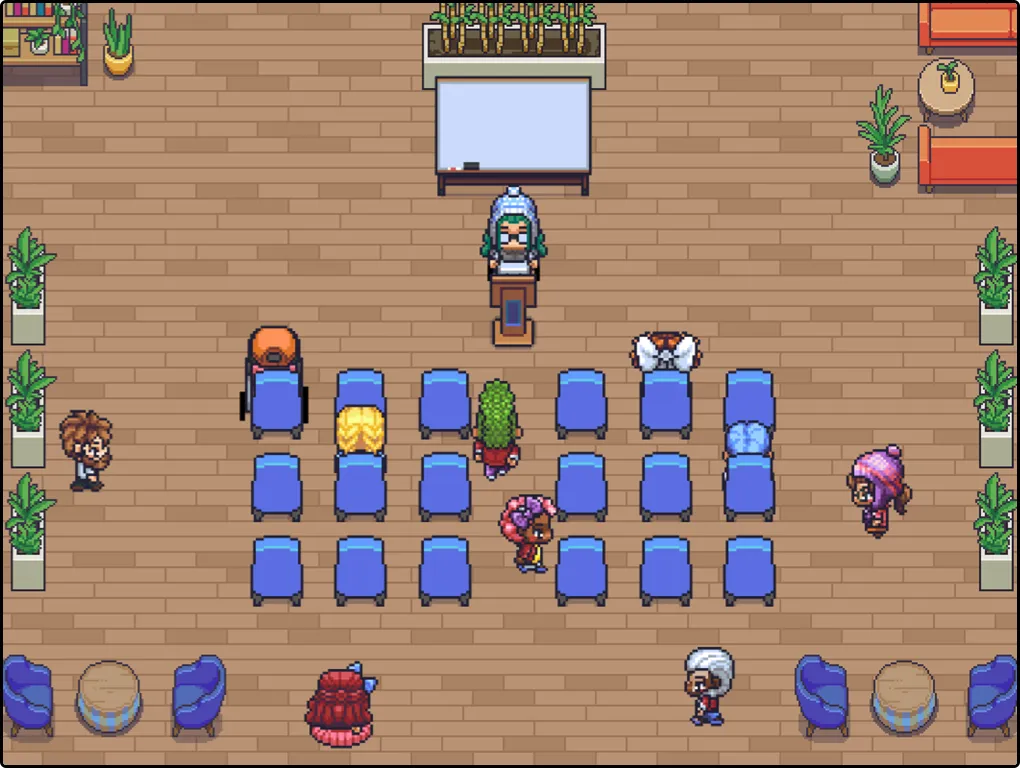
Reduce Loneliness in Online Learning
- Combat Learning Isolation: See who else is studying with you, find like-minded learning partners, and grow together.
- Enhance Social Skills: In the virtual environment, students can freely make new friends and engage in social interactions. This helps improve social skills and teamwork, especially for introverted students.
How do we discuss projects?How We Do Team Projects
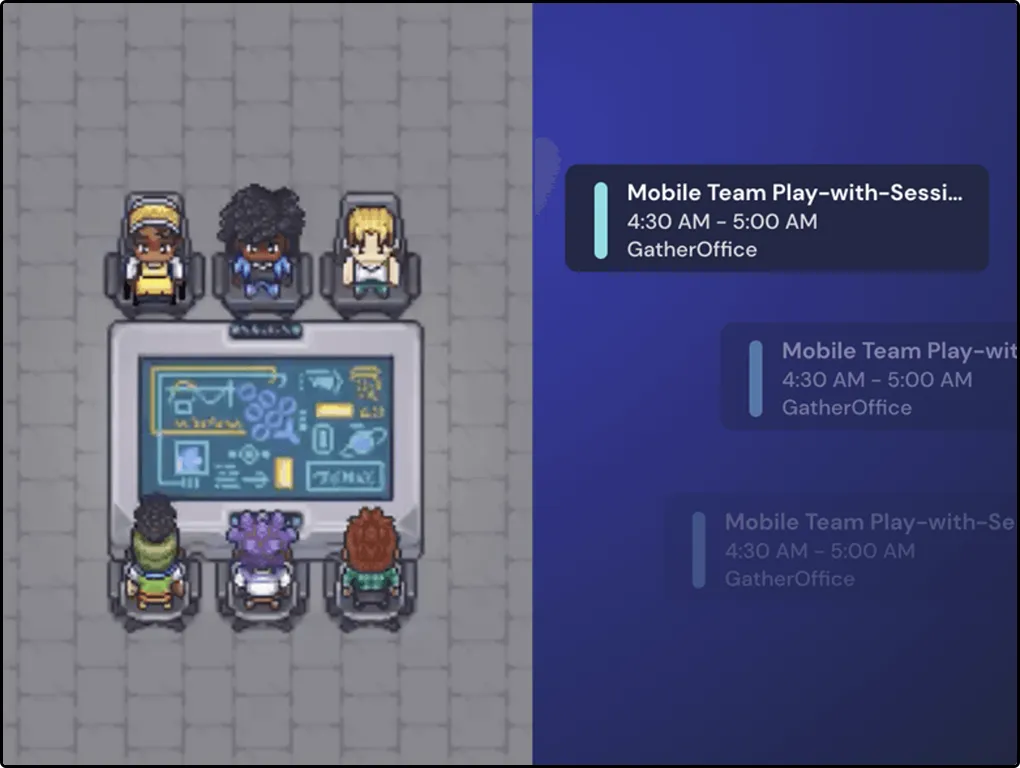
- Build Strong Team Collaboration: More efficient and authentic discussions
- Real-time Feedback and Support: Instructors and tutors observe students in real time, providing immediate feedback and support to enhance learning outcomes.




Company
About UsMetaverse ClassroomNews & BlogJR CareersBecome a MentorOur MentorsContact UsJR Store J3.ClubResources
Job ReferralsEvents1-on-1 TutoringIndustry WhitepapersOnline LearningInterview CenterShare Interview ExperienceInternshipMembershipImmigration Services
Australia ImmigrationSkilled Visa 189/190/491Employer Sponsored 482/186/494Business Visa 188/888UK ImmigrationUS ImmigrationCanada ImmigrationEnterprise
P3 Career IncubatorEnterprise (EN)Corporate TrainingInternship PartnershipRecruitment PartnershipApply for PartnershipTop Categories
Web Full-Stack BootcampDevOps BootcampData Engineering BootcampData Analysis BootcampCoding for BeginnersBusiness Analyst InternshipAlgorithm BootcampCareer Services
BA & PM InternshipData Science InternshipData Analysis InternshipMarketing InternshipResume ReviewInterview CoachingVIP Mentor GuidanceAddresses
Level 10b, 144 Edward Street, Brisbane CBD(Headquarter)Level 2, 171 La Trobe St, Melbourne VIC 3000四川省成都市武侯区桂溪街道天府大道中段500号D5东方希望天祥广场B座45A13号Business Hub, 155 Waymouth St, Adelaide SA 5000Disclaimer


JR Academy acknowledges Traditional Owners of Country throughout Australia and recognises the continuing connection to lands, waters and communities. We pay our respect to Aboriginal and Torres Strait Islander cultures; and to Elders past and present. Aboriginal and Torres Strait Islander peoples should be aware that this website may contain images or names of people who have since passed away.
All content on the JR Academy website, including course materials, logos, and information provided, is protected under Australian intellectual property laws. Unauthorized use, sale, distribution, reproduction, or modification is strictly prohibited. Violations may result in legal action. By accessing our website, you agree to respect our intellectual property. JR Academy Pty Ltd reserves all rights, including patents, trademarks, and copyrights. Any infringement will be subject to legal prosecution. View Terms of Service
© 2017-2026 JR Academy Pty Ltd. All rights reserved.
ABN 26621887572