






Power BI Guide
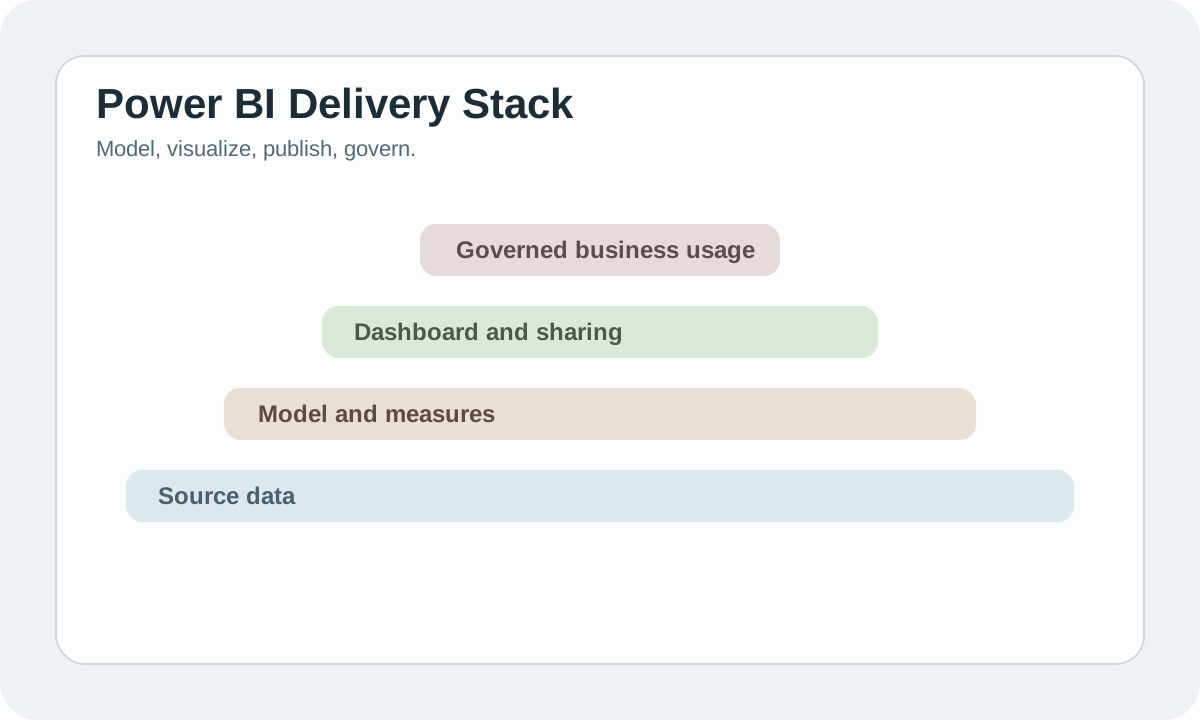
Power BI matters because it turns reporting into an operating system instead of a pile of charts. Its strength is not visual flair. Its strength is that metrics, permissions, publishing, sharing, and collaboration all live in one enterprise-friendly workflow.
If Excel is a personal weapon, Power BI is much closer to a team-scale analytics delivery layer.
#Where Power BI is strongest
Power BI becomes especially valuable when:
- the same KPI is defined differently across teams
- reports are rebuilt manually every week
- dashboards need ownership, permissions, and maintenance
- the company already lives inside Microsoft's ecosystem
What it really solves is governed analytics delivery, not chart creation.
#Why teams choose it
- strong Microsoft integration
- a durable modeling layer for metric definitions
- publishing and sharing built into the workflow
- enterprise-friendly governance
That is why many teams eventually realize they were not missing a charting tool. They were missing a BI system they could actually operate.
#Who it fits best
- finance teams
- operations teams
- mid-size and enterprise organizations
- Microsoft-heavy environments
If the team already depends on Excel, Teams, Azure, or Fabric, adoption is usually smoother.
#What beginners underestimate
Beginners often treat Power BI like a drag-and-drop chart builder. That misses the real work. Long-term report quality usually depends on:
- model design
- relationships
- measures
- publishing discipline
If those layers are weak, more visuals only create more confusion.
#Bottom line
Power BI works best when it is treated as a governed analytics system, not a dashboard toy. If the organization needs consistent metrics and maintainable reporting, it is one of the strongest default choices available.