






Tableau Guide
People usually do not stay with Tableau just because it has more chart options. They stay with it because, when a dashboard really needs to tell a story, Tableau still gives them more room to shape the message. You can feel that pretty quickly once you compare a basic reporting dashboard with a piece of work that has to guide a client, an executive team, or even your own stakeholders through a messy set of numbers.
If Power BI feels like a standardized business vehicle, Tableau feels more like a custom performance machine.
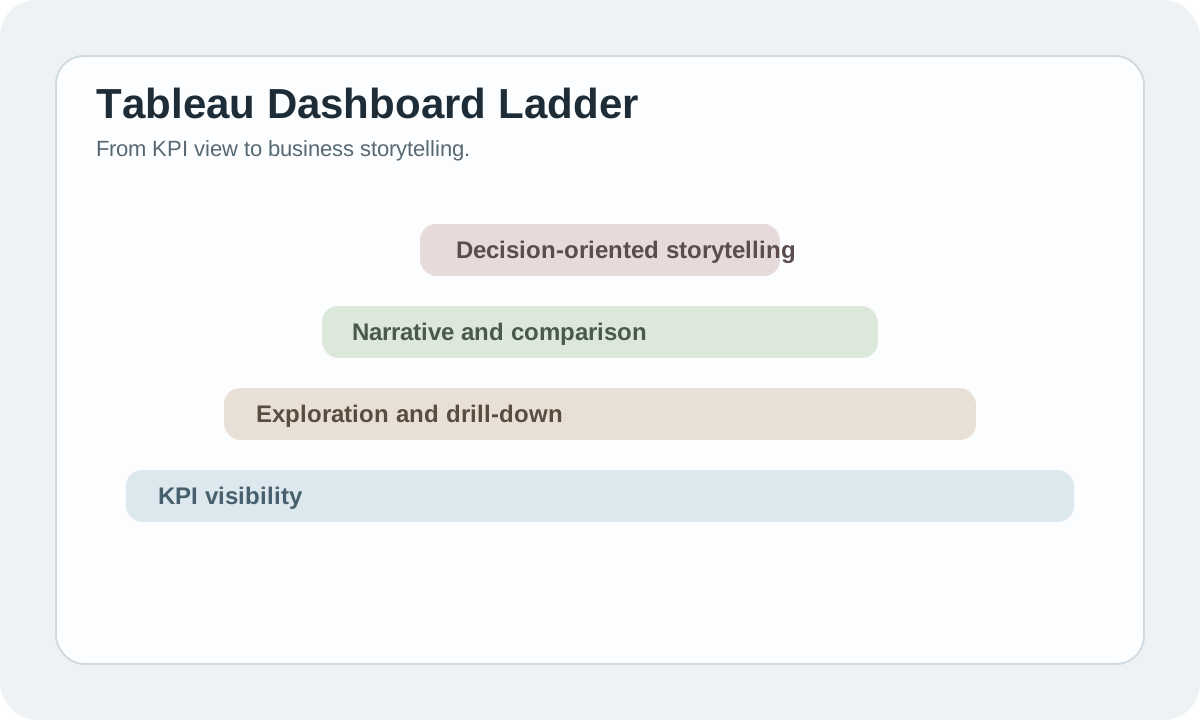
#Where Tableau still makes sense
Tableau tends to make the most sense if the work is not only about accuracy, but also about how the analysis is experienced by the person reading it. In practice, that usually means:
- visual communication
- interactive exploration
- executive or client-facing storytelling
- portfolio-quality dashboard work
That does not mean every team needs Tableau. Plenty of internal reporting setups are better served by something more standardized. Still, if the work depends on clarity, pacing, and visual judgement, Tableau is often where people end up.
#Why teams keep coming back to it
- stronger visual flexibility
- richer interaction and drill-down patterns
- better support for narrative dashboard design
- a large community and learning ecosystem
The reason teams keep it around is not that Tableau wins every BI argument. It does not. The reason is that a good analyst can usually do more with it. There is more room to shape the flow of a dashboard, more room to decide how someone moves through the page, and more room to make the analysis feel intentional instead of merely functional.
#Who usually gets the most out of Tableau
- data analysts
- consultants
- strategy teams
- analysts building showcase portfolios
If your day-to-day job is mostly standardized internal reporting, Tableau may feel like more freedom than you actually need. But if you are the person who gets pulled into strategy decks, client reviews, or high-visibility dashboards, it starts to make a lot more sense.
#Tableau vs Power BI
#Choose Tableau when:
- visual freedom matters
- you need stronger data storytelling
- exploratory interaction is central to the work
#Choose Power BI when:
- Microsoft alignment matters
- cost and rollout simplicity matter more
- standardization is the bigger problem
#What makes a Tableau dashboard work
A strong Tableau project is not just "pretty." It still needs:
- a clear analytical question
- good metric definitions
- controlled interaction
- a clear decision path for the viewer
#Bottom line
Tableau remains one of the best tools for turning analysis into something people can actually see, explore, and act on. If expressive dashboards and storytelling matter, it still earns its place.