
Multimodal Content Workflow
What actually brings AI content into production isn't any single image model or video model. It's multimodal workflow. At its core, you're stringing text, image, video, audio, and publishing into one pipeline -- not making isolated pretty fragments.
Where most people get stuck isn't generation. It's keeping all these assets pointing in the same direction within the same pipeline.
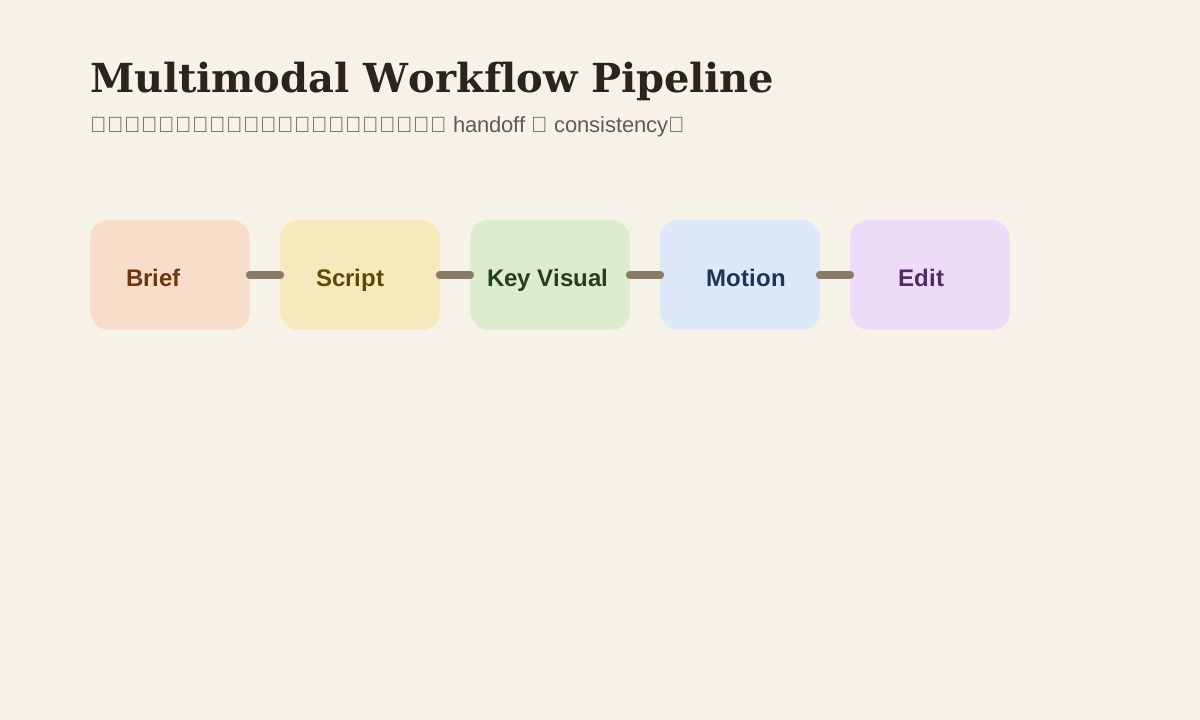
What Is a Multimodal Workflow
One sentence:
One tool's output becomes the next tool's input.
For example:
- LLM writes the script
- Image model produces key visuals
- Video model adds motion
- Voice model adds narration
- Editing tool does final assembly
If these 5 steps don't share unified style and clear handoffs, the final product usually feels scattered.
The Core Isn't "Multi" -- It's "Consistent"
The most common problem isn't too few tools. It's inconsistent content:
- Copy and visuals don't share the same tone
- Image character and video character look different
- Background music doesn't match content rhythm
- Short video version and cover image feel completely different
So what makes multimodal genuinely hard is consistency management.
A Practical Multimodal Production Line
Brief
  -> Script
  -> Key Visual
  -> Motion
  -> Voice / Sound
  -> Edit
  -> QA
  -> Publish
In this chain, what should actually be locked down first are the first two items:
- Brief
- Style anchor
Everything downstream tends to follow their lead.
Step 1: Define the Style Anchor First
Without a style anchor, every tool runs on its own default aesthetic. A style anchor can be:
- A visual reference
- A fixed set of style words
- A brand color palette and camera tone
- A fixed character reference
Example
Style anchor:
- cinematic lighting
- warm contrast
- premium lifestyle
- clean composition
This anchor should carry through script, image prompt, and video prompt -- not be reinvented at each step.
Step 2: Scripts Aren't Just Dialogue -- Write Camera Intent
Many people using AI for scripts only write the copy, not the camera and rhythm. A more stable approach has the script output:
- Scene goal
- Visual description
- Narration
- Motion cue
This way image and video models can actually connect to each other.
Step 3: Key Visual Determines 70% of Downstream Quality
In most content workflows, the key visual is the foundation for everything that follows. If the key visual isn't solid:
- Video won't look better just because it moves
- Even great voiceover can't save weak visual presence
- Multi-platform distribution assets will lack cohesion
So a lot of multimodal workflow optimization isn't about swapping video models. It's about getting the key visual stable first.
Step 4: Every Handoff Needs Clear Definition
Each stage should specify:
| Stage | What gets handed to the next stage |
|---|---|
| Script | Scene, hook, voice line, style cue |
| Image | Key frame, character reference, composition |
| Video | Motion, camera move, duration |
| Audio | Tone, pace, music direction |
| Edit | Final sequence, caption, CTA |
If handoffs aren't clear, each tool re-interprets the task on its own. Results drift further with each step.
Common Use Cases
| Scenario | Better multimodal workflow |
|---|---|
| Short video campaign | Script first, then key frame, then motion |
| E-commerce creative | Product visual first, then multilingual caption, then ad cut-down |
| Education content | Teaching script first, then explainer visual, then narration |
| Personal IP | Tone & persona first, then batch repurpose across platforms |
Common Missteps
| Misstep | Problem | Better approach |
|---|---|---|
| Different style at each step | Final content feels disjointed | Fix style anchor |
| Generate assets before thinking about script | Scattered output | Brief and script first |
| Image and video produced independently | Character and feel don't match | Use key visual as unified baseline |
| Chasing tool quantity | Workflow gets messier | Lock in a few core tools |
Practice
Pick a 15-30 second short video you want to make:
- Write the brief
- Define the style anchor
- Have AI output a scene-based script
- Then decide how key visual and motion should connect
Multimodal content done this way will feel more like a complete work than "generated images stitched together."