
Getting Started with AI Video Generation
AI video generation looks impressive right now, but when it comes to real-world delivery, the most common problem isn't "can't generate." It's: the visuals are beautiful but shots have no logic; the motion is smooth but characters aren't stable; a clip looks watchable but the finished piece can't be delivered. In other words, what makes video generation genuinely hard isn't pressing a button -- it's directing logic.
So this page isn't about stacking tool names. It's about building a more practical AI video workflow.
Why AI Video Is Harder Than AI Images
Images only need one frame to look right. Video needs many consecutive frames to all stay reasonable. This adds several difficulties:
- Motion continuity
- Face and character stability
- Camera language
- Temporal rhythm
- Post-production assembly logic
So video generation isn't "people who can do images can just do video." There's an extra layer of motion and narrative control.
The 3 Most Practical Generation Modes Right Now
1. Text-to-Video
Good for:
- Mood clips
- Abstract visuals
- Concept fragments
Problem: controllability is relatively weak. Characters and details drift more easily.
2. Image-to-Video
This is the more stable route for most commercial scenarios right now. Because you lock down the key visual first, then animate it -- overall stability is much higher.
3. Video-to-Video
Better for:
- Style transfer
- Live-action to animation conversion
- Changing the feel of existing footage
Step 1: Lock Down the Key Frame First
Many videos fail not because the video model is bad, but because the key frame itself wasn't solid. If the first image has:
- Unstable composition
- Unclear lighting
- Inconsistent characters
- Inaccurate product details
The video stage will just amplify all these problems.
So a more stable workflow is usually:
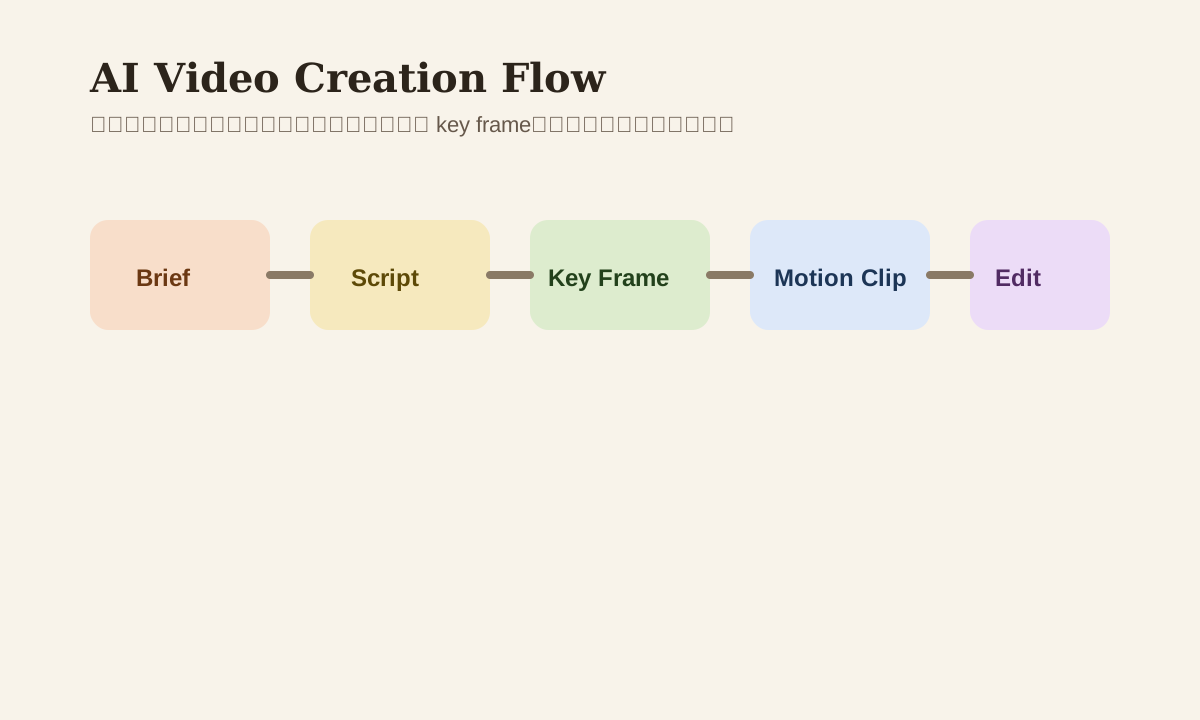
script -> key frame -> motion -> edit
Not gambling on a complete video from a single text prompt.
Step 2: Video Prompts Should Describe Camera, Not Just Content
Many beginners' prompts only say "a girl drinking coffee in a cafe." That reads more like an image prompt. Video prompts should at least add:
- Camera move
- Subject motion
- Scene rhythm
- Shot duration feel
Example
A woman sits by the cafe window, slight head turn, warm late-afternoon light.
Camera slowly pushes in, subtle background movement, calm cinematic mood.
Just adding camera intent usually makes the finished feel much better.
Step 3: Camera Language Is What Separates Quality Levels
You don't need fancy film school terminology. But you should at least know these basics:
- Pan
- Tilt
- Zoom
- Dolly in / out
- Tracking shot
- Close-up
These words' purpose isn't looking professional -- it's helping AI understand "how to look at this scene."
Step 4: Short Film Delivery Is About "Assembling Shots," Not "Generating Everything at Once"
For most 15-30 second short films, the more stable method isn't generating one perfect long video. It's:
- Generate 3-5 short clips
- Each clip controls one action and camera intent
- Then assemble in an editor with subtitles and rhythm control
This is usually more controllable than betting on one long segment.
A More Practical Video Workflow
Brief
  -> Script
  -> Key frame
  -> Short motion clips
  -> Voice / music
  -> Edit
  -> QA
The key point: the video model is just one step in this flow, not the whole thing.
Common Problems and Fixes
| Problem | Common cause | More stable approach |
|---|---|---|
| Frame flickering | Too much change between frames | Use image-to-video, reduce motion intensity |
| Face distortion | Unstable character reference | Lock down key frame first |
| Camera too chaotic | Prompt didn't specify camera intent | Add camera language |
| Video too short to edit | Only generated one long segment | Switch to multi-shot assembly |
Common Missteps
| Misstep | Problem | Better approach |
|---|---|---|
| One prompt for entire ad | Too little controllability | Break into individual shots |
| Going straight text-to-video | Characters and visuals drift | Make key frame first |
| Only watching visual quality, not shots | Finished piece has no narrative feel | Add shot design |
| Skipping post-production assembly | Not enough polish | Treat AI as the asset production stage |
Practice
Pick a 10-15 second small scene:
- Write the brief
- Generate 1 key frame
- Write a video prompt with camera moves
- Generate 2-3 short clips
- Assemble into a mini sequence
Once you get these 5 steps smooth, AI video stops being just a "flashy demo" and starts approaching deliverable content.