






Canva Guide
Canva becomes genuinely useful once a team has to produce content over and over again, not just once in a while. People sometimes talk about it as an easy design tool for non-designers, and that is true as far as it goes. But the real reason teams stay with it is that it turns a messy stream of requests into something repeatable: templates, brand controls, resizing, approvals, quick edits, and publishing all live in one system.
If Photoshop feels like a professional workbench, Canva feels like a content production line.
#Where Canva really earns its keep
Canva is most useful for teams that produce visual content continuously rather than occasionally:
- marketing teams
- content and social teams
- education and course-content teams
- small businesses without a large design department
That is usually the better question to ask. Not just "does this design look good?" but "can this team keep producing work without the whole process falling apart?"
#What Canva solves once the workload gets repetitive
- template-based production
- brand consistency through Brand Kit
- multi-format adaptation across channels
- collaboration between design and non-design teams
That is why mature teams often stop treating Canva like a lightweight design toy. It becomes more like an operating layer for recurring content work.
#How experienced teams usually use it
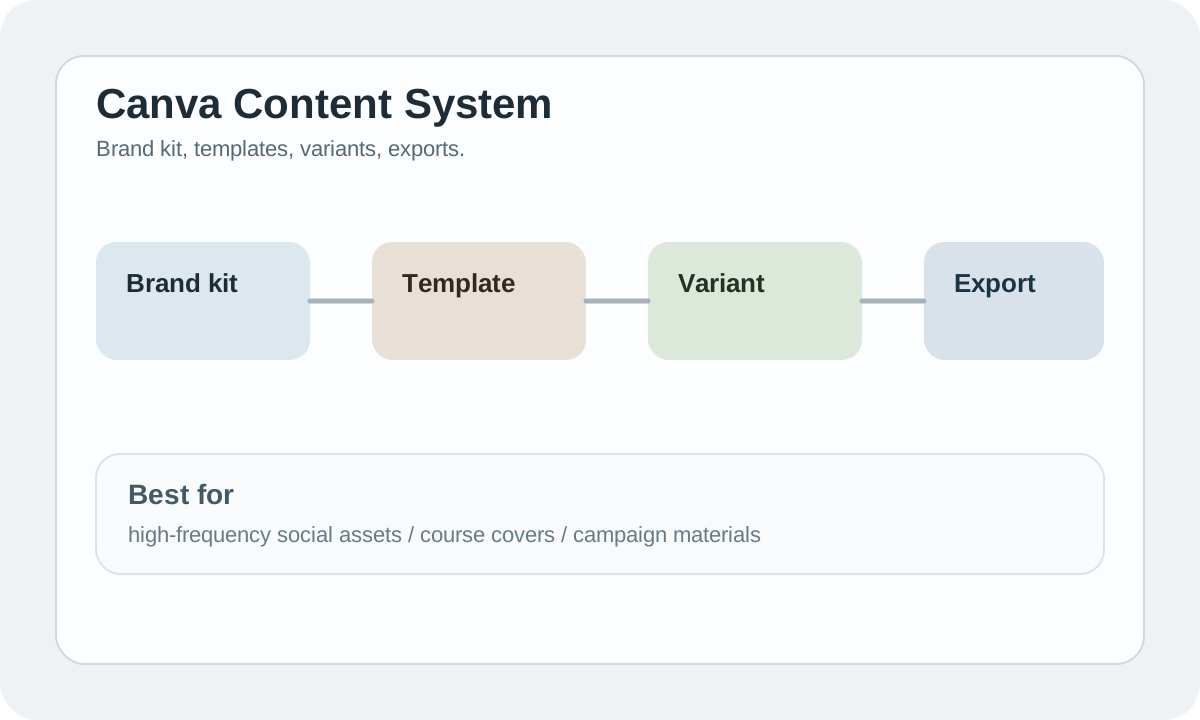
The mature model is not "pick a new template every time." It is:
textbrand kit -> template library -> content variants -> multi-channel export
Once that chain is in place, output becomes more consistent and delivery gets faster.
#How AI fits into Canva
Canva's AI features are useful as accelerators, not as the whole process.
A more realistic workflow is:
- AI helps with a first draft of copy
- AI helps with local image generation or expansion
- the final asset is still shaped through templates and brand rules
If AI becomes the process and the system disappears, brand consistency usually collapses.
#Bottom line
Canva works best as a repeatable design system for teams that ship content continuously. Use it when consistency, speed, and low-friction collaboration matter more than deep custom design control.
