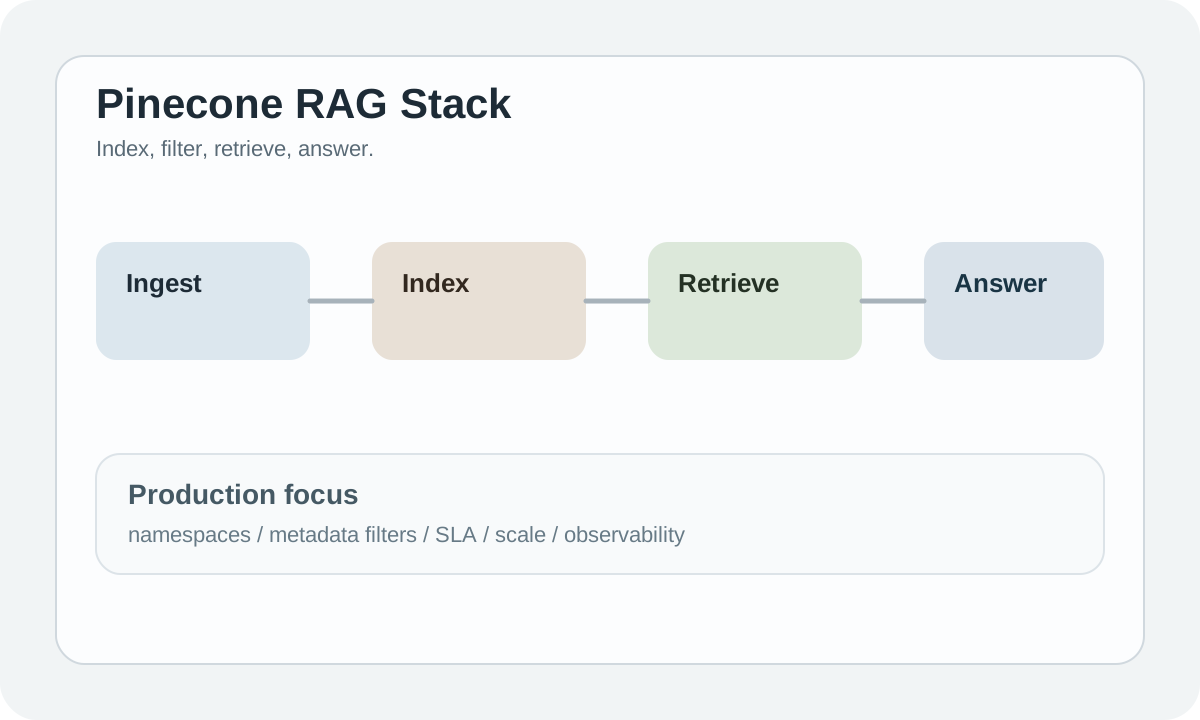
Pinecone 简介
Pinecone 是一个全托管的向量数据库服务,专为生产环境设计。它提供高性能、高可用的向量搜索能力,是企业级 RAG 应用的首选。
#为什么使用 Pinecone?
#1. 全托管服务
无需运维的云原生方案:
- 自动扩缩容
- 高可用性保证
- 自动备份
- 全球分布
#2. 生产级性能
| 特性 | 规格 |
|---|---|
| 查询延迟 | < 50ms |
| 向量维度 | 最高 20,000 |
| 数据规模 | 数十亿向量 |
| 可用性 | 99.99% SLA |
#3. 强大的过滤能力
支持复杂的 metadata 过滤:
pythonresults = index.query( vector=query_vector, filter={ "category": {"$eq": "technology"}, "year": {"$gte": 2023} }, top_k=10 )
#核心概念
#Index (索引)
向量存储的基本单位:
pythonimport pinecone # 初始化 pc = pinecone.Pinecone(api_key="your-api-key") # 创建索引 pc.create_index( name="my-index", dimension=1536, metric="cosine", spec=pinecone.ServerlessSpec( cloud="aws", region="us-east-1" ) ) # 连接索引 index = pc.Index("my-index")
#Namespace (命名空间)
在同一索引中隔离数据:
python# 写入特定命名空间 index.upsert( vectors=[...], namespace="user-123" ) # 查询特定命名空间 results = index.query( vector=query_vector, namespace="user-123", top_k=10 )
#Vectors (向量)
python# 向量格式 vectors = [ { "id": "vec1", "values": [0.1, 0.2, ...], # 1536 维向量 "metadata": { "title": "文档标题", "category": "tech" } } ] # 插入向量 index.upsert(vectors=vectors)
#快速开始
#安装
bashpip install pinecone-client
#基础使用
pythonfrom pinecone import Pinecone # 1. 初始化客户端 pc = Pinecone(api_key="your-api-key") # 2. 连接到索引 index = pc.Index("my-index") # 3. 插入向量 index.upsert( vectors=[ {"id": "doc1", "values": embedding1, "metadata": {"text": "文档1"}}, {"id": "doc2", "values": embedding2, "metadata": {"text": "文档2"}} ] ) # 4. 查询 results = index.query( vector=query_embedding, top_k=5, include_metadata=True ) for match in results["matches"]: print(f"ID: {match['id']}, Score: {match['score']}") print(f"Text: {match['metadata']['text']}")
#高级功能
#Metadata 过滤
python# 等值过滤 results = index.query( vector=query_vector, filter={"category": "tech"}, top_k=10 ) # 范围过滤 results = index.query( vector=query_vector, filter={ "price": {"$gte": 100, "$lte": 500} }, top_k=10 ) # 复杂逻辑 results = index.query( vector=query_vector, filter={ "$and": [ {"category": {"$in": ["tech", "science"]}}, {"year": {"$gte": 2023}} ] }, top_k=10 )
#批量操作
python# 批量插入(建议每批 100 条) for i in range(0, len(vectors), 100): batch = vectors[i:i+100] index.upsert(vectors=batch) # 批量删除 index.delete(ids=["id1", "id2", "id3"]) # 按 metadata 删除 index.delete(filter={"category": "outdated"})
#更新向量
python# 更新向量值 index.update( id="doc1", values=new_embedding ) # 更新 metadata index.update( id="doc1", set_metadata={"status": "updated"} )
#与 LangChain 集成
pythonfrom langchain_pinecone import PineconeVectorStore from langchain_openai import OpenAIEmbeddings # 创建向量存储 vectorstore = PineconeVectorStore.from_texts( texts=["文档1", "文档2"], embedding=OpenAIEmbeddings(), index_name="my-index" ) # 相似性搜索 docs = vectorstore.similarity_search("查询", k=3) # 作为检索器 retriever = vectorstore.as_retriever()
#与 LlamaIndex 集成
pythonfrom pinecone import Pinecone from llama_index.vector_stores.pinecone import PineconeVectorStore from llama_index.core import VectorStoreIndex # 初始化 Pinecone pc = Pinecone(api_key="your-api-key") pinecone_index = pc.Index("my-index") # 创建向量存储 vector_store = PineconeVectorStore(pinecone_index=pinecone_index) # 创建索引 index = VectorStoreIndex.from_vector_store(vector_store) # 查询 query_engine = index.as_query_engine() response = query_engine.query("问题")
#索引类型
#Serverless
最新的托管方案:
- 按使用量付费
- 自动扩缩容
- 适合大多数场景
pythonpc.create_index( name="serverless-index", dimension=1536, metric="cosine", spec=pinecone.ServerlessSpec( cloud="aws", region="us-east-1" ) )
#Pod-based
固定容量方案:
- 可预测的成本
- 更低延迟
- 适合稳定工作负载
pythonpc.create_index( name="pod-index", dimension=1536, metric="cosine", spec=pinecone.PodSpec( environment="us-east-1-aws", pod_type="p1.x1" ) )
#Pinecone vs 其他向量数据库
| 特性 | Pinecone | ChromaDB | Milvus |
|---|---|---|---|
| 部署 | 全托管 | 本地/嵌入式 | 自托管 |
| 运维 | 零运维 | 简单 | 复杂 |
| 规模 | 十亿级 | 百万级 | 十亿级 |
| 成本 | 按量付费 | 免费 | 免费/商业 |
| SLA | 99.99% | 无 | 无/商业 |
选择建议:
- 生产环境 + 零运维 → Pinecone
- 原型开发 → ChromaDB
- 自托管 + 大规模 → Milvus
#定价
| 方案 | 特点 | 价格 |
|---|---|---|
| Starter | 免费试用 | $0 |
| Serverless | 按使用量付费 | ~$0.08/1M 向量/月 |
| Enterprise | 高级功能 + SLA | 联系销售 |
#最佳实践
#1. 优化向量维度
python# 使用较小的 embedding 模型 # text-embedding-3-small: 1536 维 # text-embedding-3-large: 3072 维(可降维) # 在创建 embedding 时指定维度 embedding = openai.embeddings.create( model="text-embedding-3-small", input=text, dimensions=512 # 降维以节省成本 )
#2. 合理使用命名空间
python# 按用户隔离 namespace = f"user-{user_id}" # 按数据类型隔离 namespace = "documents" # 或 "images", "audio" # 按时间隔离 namespace = f"data-{year}-{month}"
#3. 批量操作优化
python# 使用异步批量插入 import asyncio async def batch_upsert(index, vectors, batch_size=100): tasks = [] for i in range(0, len(vectors), batch_size): batch = vectors[i:i+batch_size] tasks.append(index.upsert(vectors=batch)) await asyncio.gather(*tasks)
#下一步
提示:Pinecone 是生产环境的首选,但开发阶段可以先用 ChromaDB 原型验证,再迁移到 Pinecone。