
Choosing Tools & Account Setup
Model comparison, account setup, key settings, and cost awareness
Model comparison, account setup, key settings, and cost awareness
A reusable work template with realistic input, a defined output format and a human review point.
Run one real task, verify the critical facts and record the before-and-after time.
When picking an AI tool, most people still default to "which model is strongest." That's often the wrong question for office work. Real-world experience depends more on: is the entry point convenient, how good is file support, can you afford it long-term, and is the data boundary clear.
So we'd recommend a more practical order: start with use case, then look at entry point and workflow fit, and only then check model rankings.
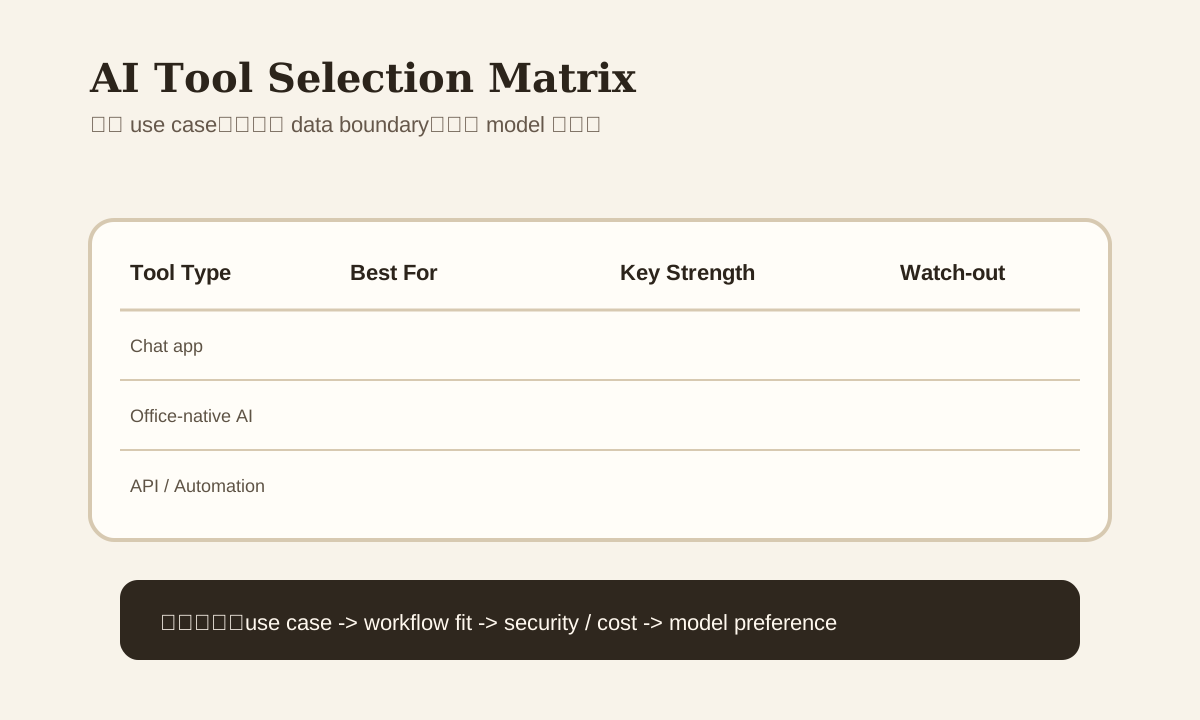
Ask Yourself 4 Questions First
- Are you mainly doing writing, summaries, or automation?
- Do you need to read long documents, images, or screenshots?
- Is this for personal use or team / enterprise rollout?
- How sensitive are you about security, compliance, and budget?
If you don't answer these 4 questions first, you'll end up installing a bunch of tools and mastering none of them.
Common Tool Categories
| Type | Examples | Best for |
|---|---|---|
| Chat app | ChatGPT, Claude, Gemini | Daily writing, summary, file comprehension |
| Office-native AI | Copilot, Workspace AI | Working directly inside Word / Excel / Outlook / Slides |
| IDE / CLI AI | Cursor, Claude Code, Copilot | Scripts, automation, developer workflows |
| Automation platform | Zapier, Make, n8n | Cross-system orchestration |
| KB AI | Notion AI, Confluence AI | Documentation and knowledge management |
These aren't mutually exclusive, but each has a different sweet spot.
A More Practical Selection Logic
If you mainly do daily writing and summaries
Prioritize:
- Is file upload smooth
- Long document reading performance
- Tone / rewrite experience
Chat-first tools usually win here.
If you mainly work in Word / Excel / Outlook
Prioritize:
- Native integration
- Clean permission and account management
- Team collaboration experience
Office-native AI often beats standalone chat tools because there's less context-switching.
If you need scripts and automation
Prioritize:
- API capabilities
- Structured output
- Integration and logging
- CLI / IDE workflow
Developer-oriented tools are typically the better fit.
Recommendations by Scenario
| Scenario | Recommended direction | Why |
|---|---|---|
| email / summary / rewriting | Chat app or Office-native AI | Quick start, direct interaction |
| long document review | Claude-like long-context tool | Reading and review UX matters most |
| screenshot / image analysis | Multi-modal tool | Image comprehension is key |
| Deep Excel / Word / Outlook work | Copilot / Workspace-style integration | Fewer UI switches |
| automation / batch tasks | API + automation platform | Reusable and scalable |
Pricing Isn't Just the Subscription Fee
Many people only look at the monthly plan and miss the real long-term cost:
- API call volume
- Team seat count
- Learning cost of switching tools
- Duplicate work across different entry points
A tool that looks cheap but has an awkward workflow isn't actually cheap over time.
Security and Data Boundary Need Separate Evaluation
This one's especially important. When choosing a tool, at minimum figure out:
- Which data can go in
- Whether it supports team / enterprise permissions
- Whether you can control data retention
- Whether it's suitable for customer, contract, or financial content
Lots of people have a great time in free chat tools, then realize the data boundary is impossible to explain when enterprise needs kick in.
A Simple Selection Scorecard
| Metric | What to ask yourself |
|---|---|
| Ease of use | Will I actually open this every day |
| File support | Is document / image / csv handling smooth |
| Workflow fit | Does it match my main use case |
| Integration | Can it connect to my existing tools |
| Security | Is the data boundary clear |
| Cost | Is it worth it long-term |
Don't decide based on "everyone else uses it." Run 2-3 real tasks through it first.
Common Mistakes
| Mistake | Problem | Better Approach |
|---|---|---|
| Only look at model rankings | Ignoring entry point and workflow | Start with use case |
| Install too many tools | High learning cost, attention scattered | Lock in one primary entry point |
| Use free tier and wing it | Potential data risk for enterprise | Check boundary first |
| Use chat app for everything | Automation and persistence get stuck | Add API / KB / automation layer when needed |
Practice
Pick 3 of your most common recent office tasks:
- email / summary
- document review
- automation / repetitive task
Run each through 2 AI tools you have access to, and compare:
- Is input smooth
- Is output stable
- How many rounds of rewriting
- Any data / integration concerns
You'll quickly find that the key to picking a tool isn't "which is strongest" — it's which fits your workflow best.