
AI Templates & Knowledge Assets
Turn frequent prompts, copy, and spreadsheets into reusable AI assets
Turn frequent prompts, copy, and spreadsheets into reusable AI assets
A reusable work template with realistic input, a defined output format and a human review point.
Run one real task, verify the critical facts and record the before-and-after time.
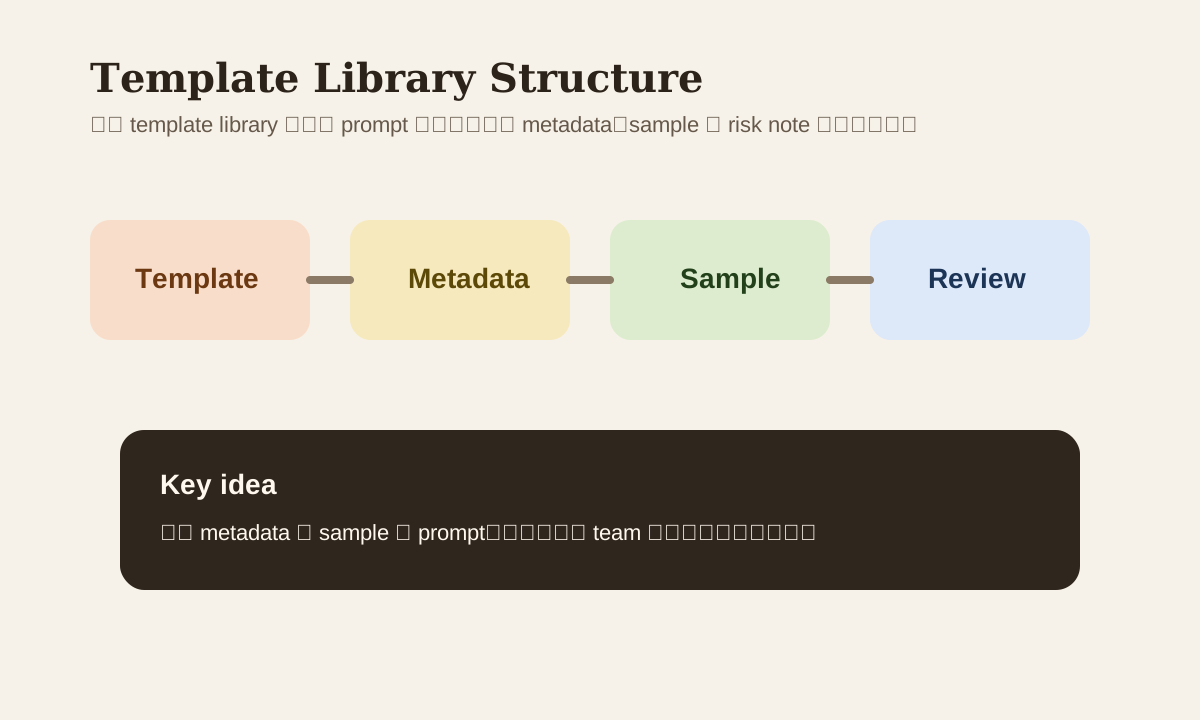
Efficiency doesn't come from "AI writing everything from scratch each time." It comes from persisting high-frequency tasks into templates. Without a template library, teams fall into a false sense of productivity: everyone thinks they're using AI, but most output is unstable and non-reusable.
So a template library isn't just knowledge organization — it's actually the infrastructure for AI office capability.
Why a Template Library Directly Impacts SEO and Content Quality
Because what users actually care about isn't "what's a prompt." It's:
- Is there a template I can copy directly
- What use case does this template fit
- Will it blow up on me
- Are there real samples
A page with only abstract principles but no template structure, naming conventions, maintenance methods, and samples won't build trust.
What a Usable Template Library Needs at Minimum
| Layer | Content |
|---|---|
| Prompt template | Directly reusable prompts |
| Usage note | Input requirements, tone, output format |
| Good / bad sample | Shows users the boundaries |
| Risk note | Whether it involves external use, PII, legal / finance |
| Version info | When it was last updated, which tool it's for |
If you only have the prompt text without usage notes, that template will go stale fast.
Step 1: Organize by Use Case, Not File Type
Many template libraries start with categories like "email templates," "spreadsheet templates," "PPT templates." Looks organized, but search is still slow. Organize by use case instead:
- follow-up communication
- meeting notes
- report drafting
- spreadsheet summary
- workflow routing
People looking for templates are thinking "what task do I need to do," not "which file category does this belong to."
Step 2: Standardize Naming
A good name should tell you at least 4 things at a glance:
- Scenario
- Audience
- Tone
- Version
Example
email-client-followup-polite-v1
meeting-internal-summary-exec-v2
report-weekly-kpi-manager-v1
This naming is friendlier for search, review, and version replacement.
Step 3: Every Template Needs Metadata
Keep at least these fields:
| Field | Purpose |
|---|---|
| Use case | When to use it |
| Input requirement | What info to prepare |
| Output format | What structure AI should return |
| Tone / style | Keeps team voice consistent |
| Risk note | When human review is mandatory |
| Last validated | When it was last tested |
Example template card
Title: Weekly report summary
Use case: Turn raw KPI notes into a manager update
Input requirement: KPI list, week range, risks
Output format: 3 key findings + 2 risks + next actions
Risk note: Don't fabricate unconfirmed numbers
Last validated: 2026-03-11
Step 4: Templates Need Samples, Not Just Prompts
Without samples, many people read a template and still don't know "what input to feed" or "what output counts as good enough."
Each high-frequency template should include at minimum:
- 1 sample input
- 1 sample output
- 1 common mistake
More effective than any amount of "usage instructions."
Step 5: Maintenance Is More Important Than Creation
Most template libraries don't fail because they were never built. They fail because:
- Outdated templates never got archived
- Old tool names still referenced
- Old prompts don't work with current models
- Team voice changed but templates didn't sync
A minimum maintenance cadence:
- Monthly review
- Flag high-traffic templates
- Archive low-quality or expired versions
- Update samples and risk notes
AI Can Help You QA Templates Too
You can have AI test templates with different inputs:
Test this template with 3 different input sets,
and output:
- Which set worked best
- Which fields tend to be missing
- Where there are risks
- How the template should be modified
Way faster than manually tweaking templates based on gut feeling.
Common Mistakes
| Mistake | Problem | Better Approach |
|---|---|---|
| Only prompt text, no usage notes | New users can't use it | Add metadata |
| Categories too granular | High search cost | Organize by use case first |
| No samples | Hard to judge quality | Attach input / output samples |
| Templates only added, never removed | Library gets messy | Archive regularly |
Practice
Start with your 2 most-used AI tasks:
- Write them as standardized-name templates
- Add metadata
- Include 1 sample input / output
- Write 1 risk note
Once you've done this, your template library can actually support team-wide reuse.